
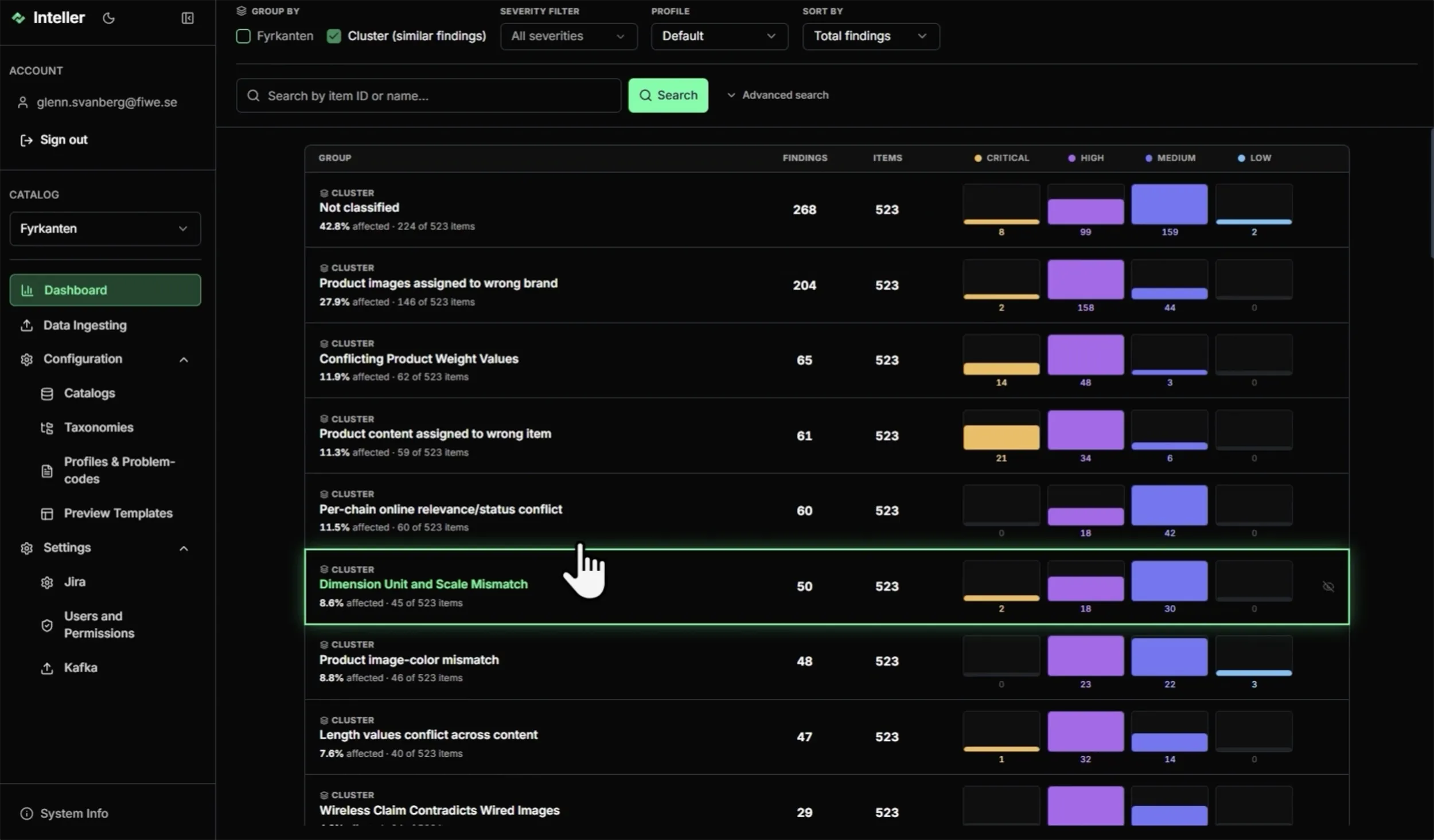
When your catalogue holds hundreds of thousands of products, you can’t review potential errors one by one. Nor can you look at all of them at once. The problem needs to be broken down into groups.
In this video we show two ways to do that in Inteller. The first is to reuse the taxonomy you already have in your online store, so each category owner gets the findings in their category. The second is clustering. Inteller measures how similar the issues are and groups systematic errors together, such as product images showing a different brand from the one the product is assigned to.
You’ll also see how an entire cluster becomes a ticket for the right person, and how less important error types can be hidden. That way your backlog only contains what needs fixing right now. Inteller sorts and delegates, and the fixing happens where it happens today.
Want to see how Inteller works on your product catalogue? Book a demo and we’ll tell you more!